Overtime, your way
FreeA company-wide overtime multiplier with a per-employee override for anyone whose rate differs.
Where to find itSettings → Basic information, and an employee's Manage pay page
How it works
- 1
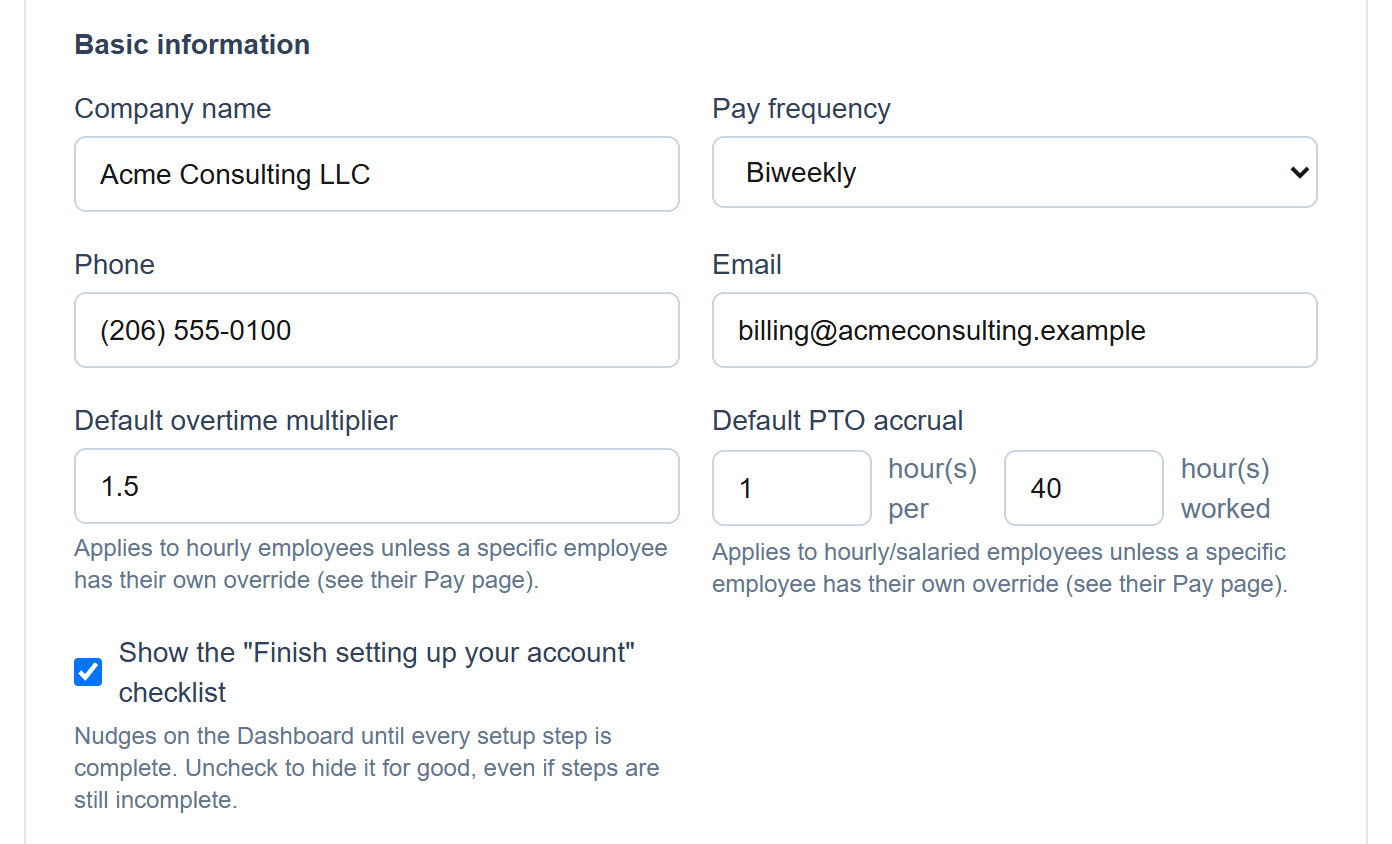
Set the company-wide multiplier
The default overtime multiplier (1.5 unless you change it) applies to every hourly employee who doesn't have their own.
- 2
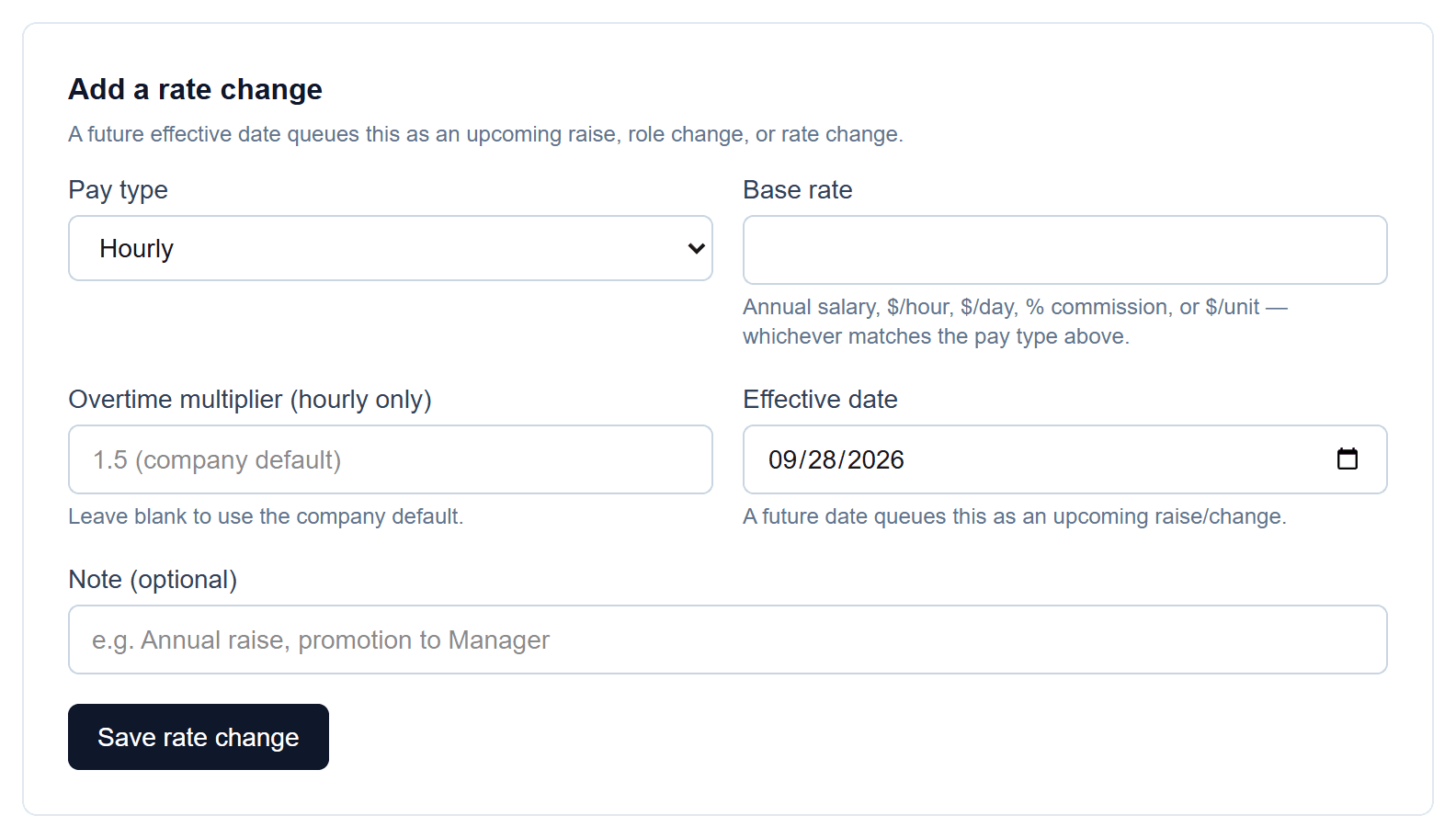
Override it for one person
On an employee's pay page, enter a different multiplier with the rate change. Leave it blank to keep using the company default.
- 3
Enter overtime hours on the run
Overtime hours are paid at the employee's own multiplier, or the company default.


Screenshots show a demo company with sample data.
Run payroll yourself, for less
Free for up to ten employees; Pro is $20/month with no per-employee fees.