Payroll autopilot
ProFor all-salaried teams: PayrollZero creates, calculates and posts each scheduled run on its own, then emails every Owner and Manager a summary — or holds the run for review if anything needs a look.
Where to find itSettings → Pay periods → Autopilot payroll
Included in Pro ($20/month).
How it works
- 1
Use a pay-period schedule
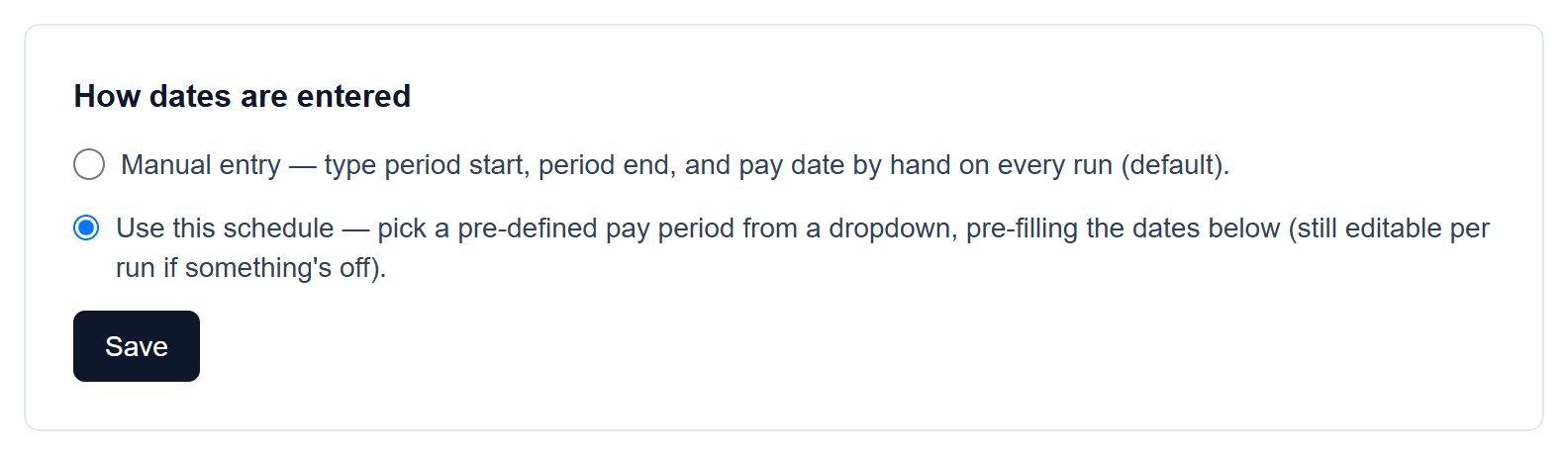
Autopilot attaches runs to your scheduled pay periods, so switch “How dates are entered” to “Use this schedule” and generate the periods first.
- 2
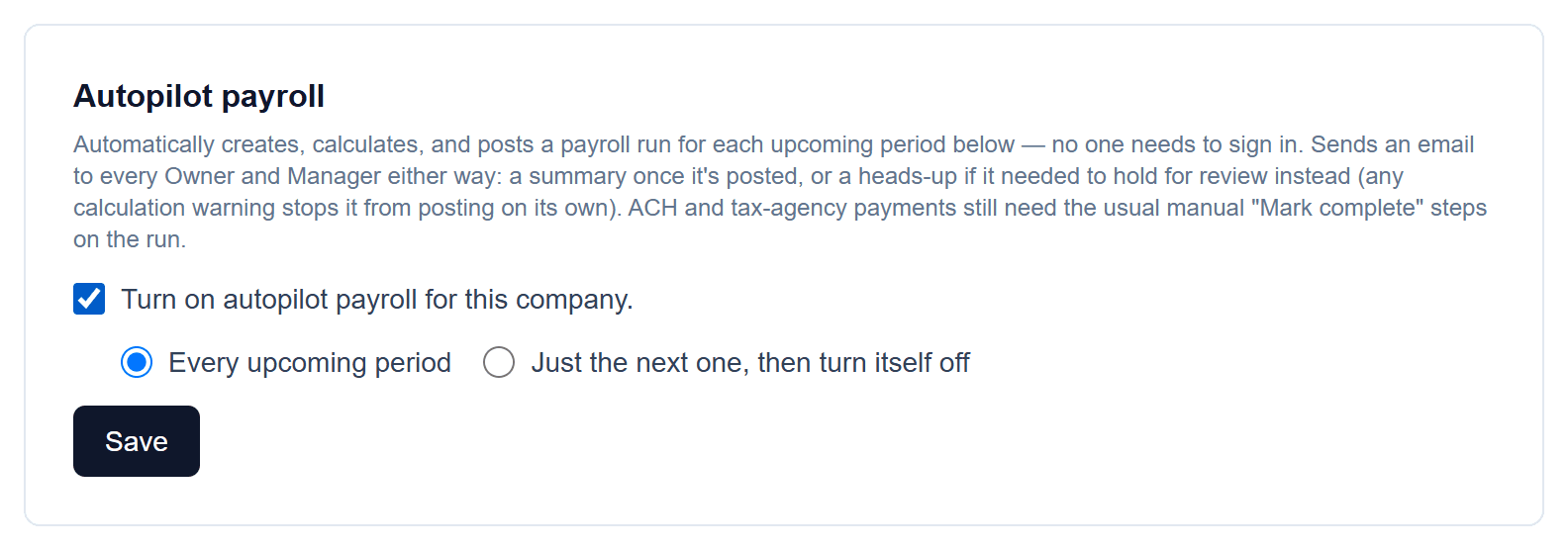
Turn on autopilot
Choose every upcoming period, or just the next one (it then turns itself off). Every active employee needs to be salaried — autopilot won't guess at hours, sales or units with nobody around to enter them.
Good to know
- Any calculation warning stops a run from posting on its own — it's held for review and Owners and Managers get a heads-up email instead.
- ACH deposits and tax-agency payments still need the usual “Mark complete” steps on the run.
Screenshots show a demo company with sample data.
Run payroll yourself, for less
Free for up to ten employees; Pro is $20/month with no per-employee fees.