ADP time card import
FreeUpload an ADP payroll data import file or time card report and the run's hours fill themselves in — matched to employees by ADP file number, then by name.
Where to find itPayroll → Start a payroll run
How it works
- 1
Add the ADP file # to each employee
Optional — matching by file number is exact; without it, employees are matched by name.
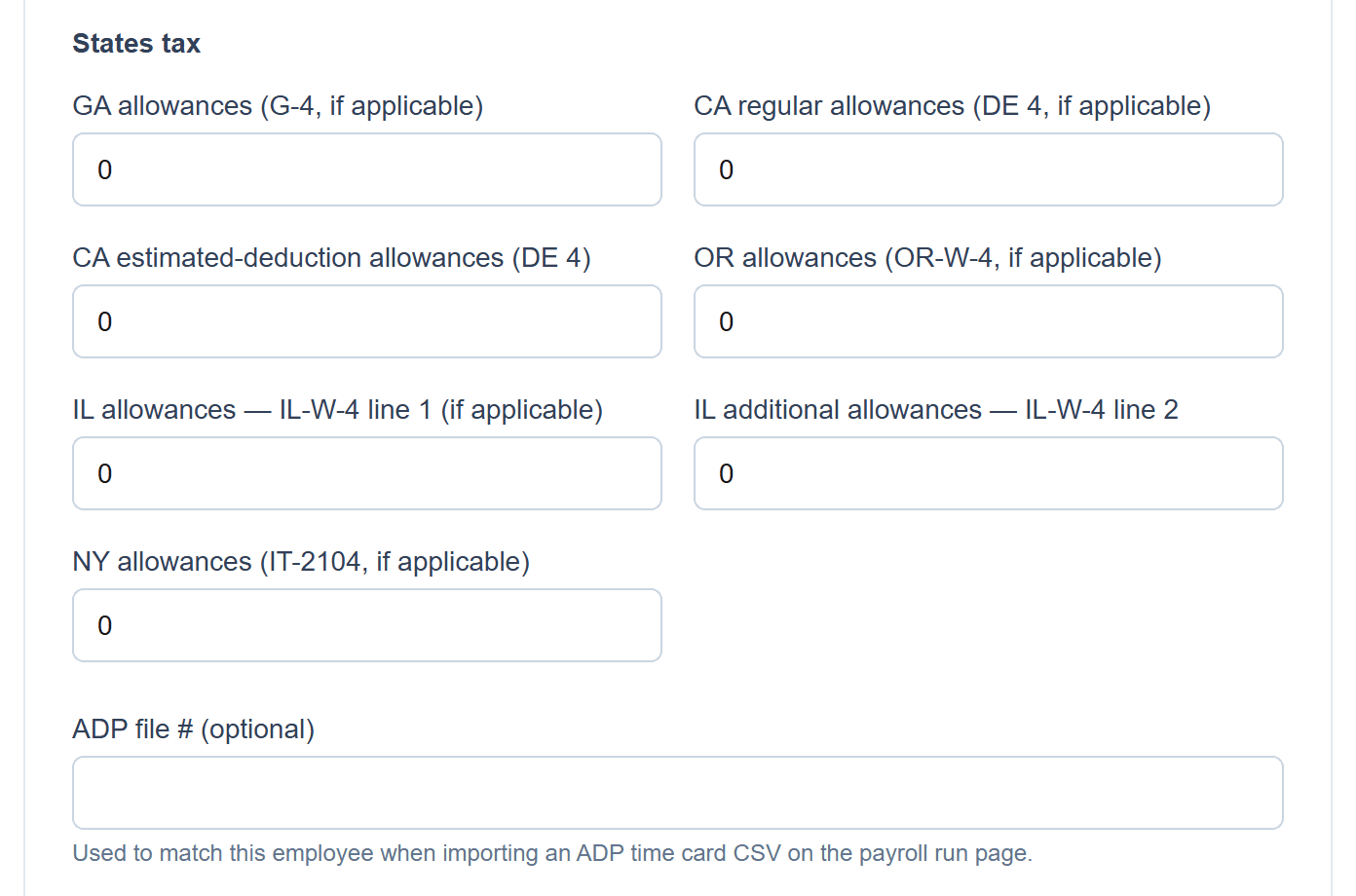
The ADP file # field is at the bottom of this section on the employee's Edit page. - 2
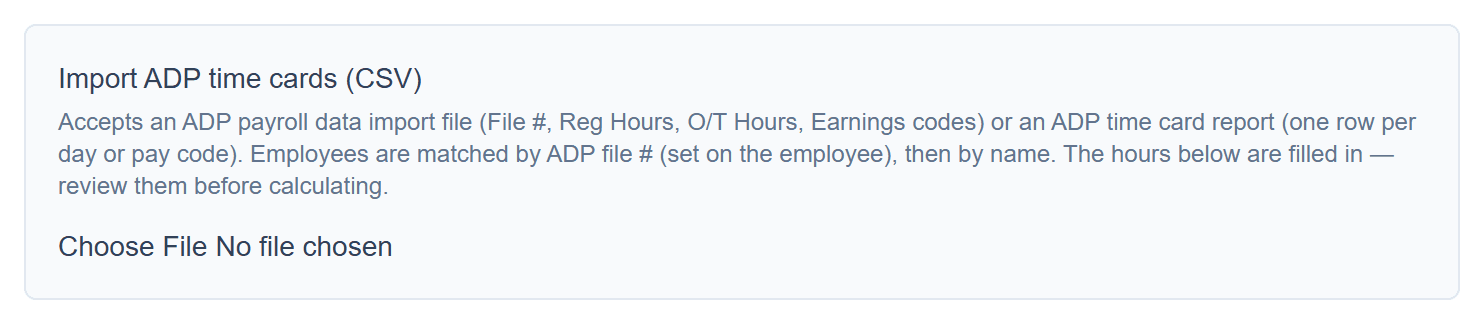
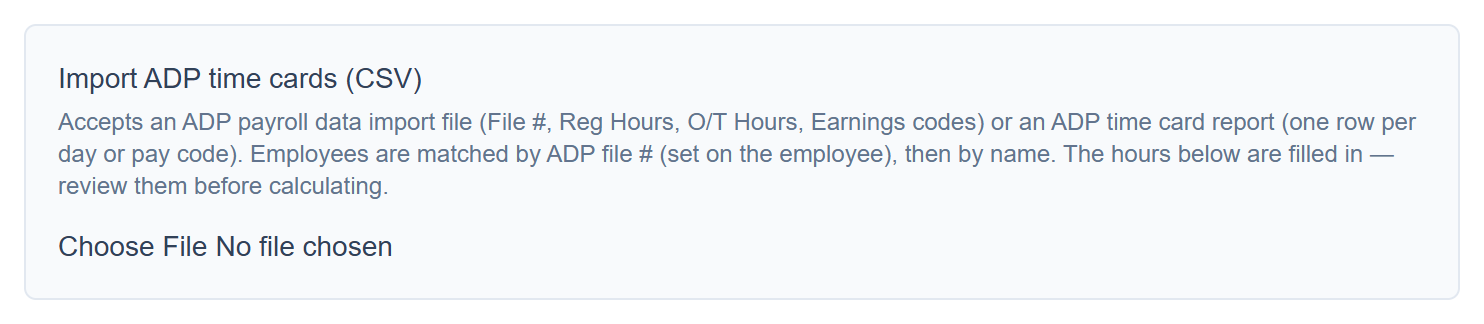
Upload the CSV when you start a run
Accepts an ADP payroll data import file (File #, Reg Hours, O/T Hours, earnings codes) or an ADP time card report (one row per day or pay code).
- 3
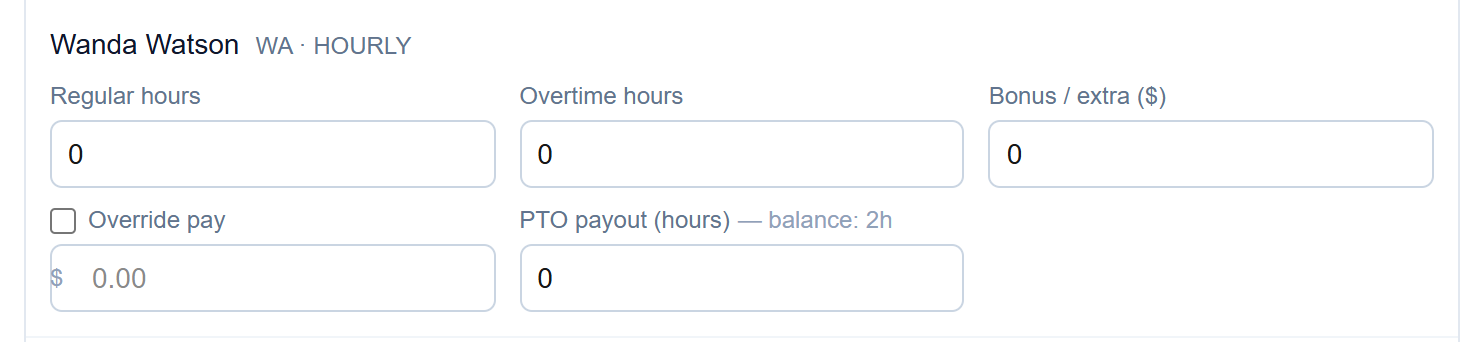
Review the filled-in hours
Regular and overtime hours are filled in for each matched employee — check them before you calculate.
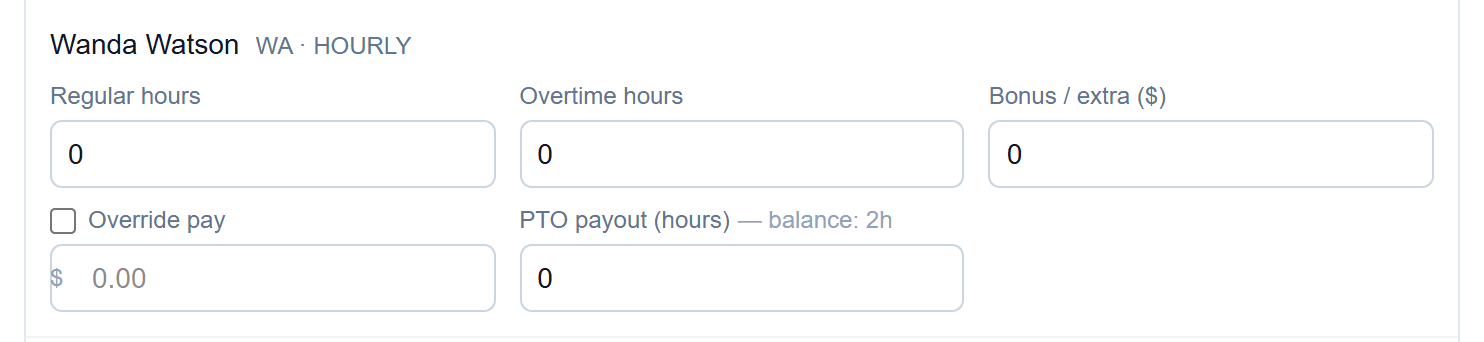
Screenshots show a demo company with sample data.
Run payroll yourself, for less
Free for up to ten employees; Pro is $20/month with no per-employee fees.