Scheduled pay-rate changes
FreeRecord a raise, promotion or pay-type change with an effective date — a future date queues it up — and keep the full rate history.
Where to find itEmployees → an employee → Manage pay
How it works
- 1
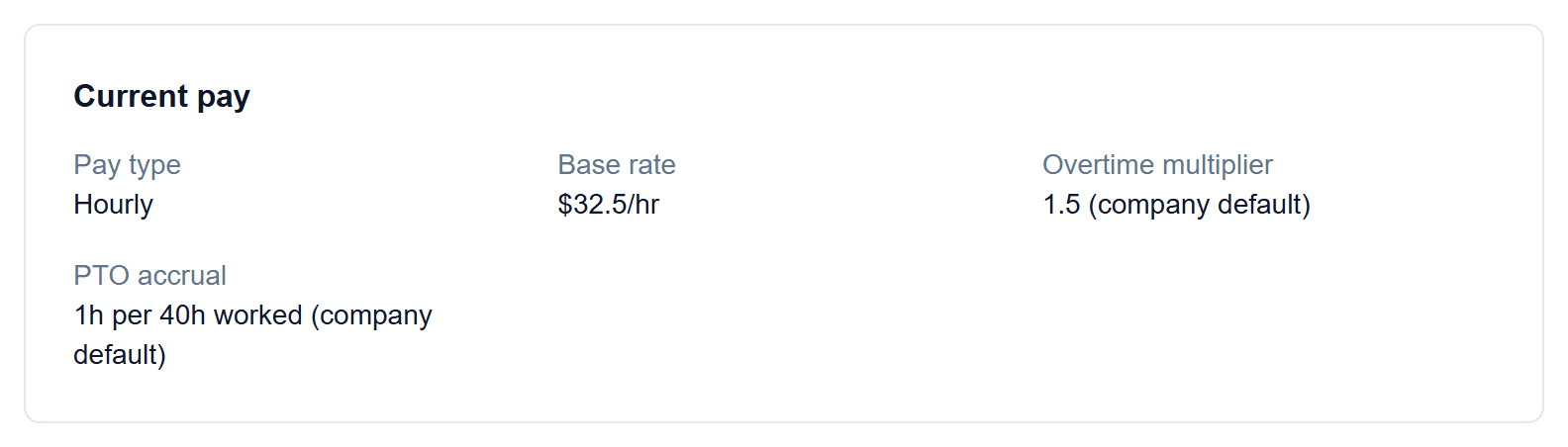
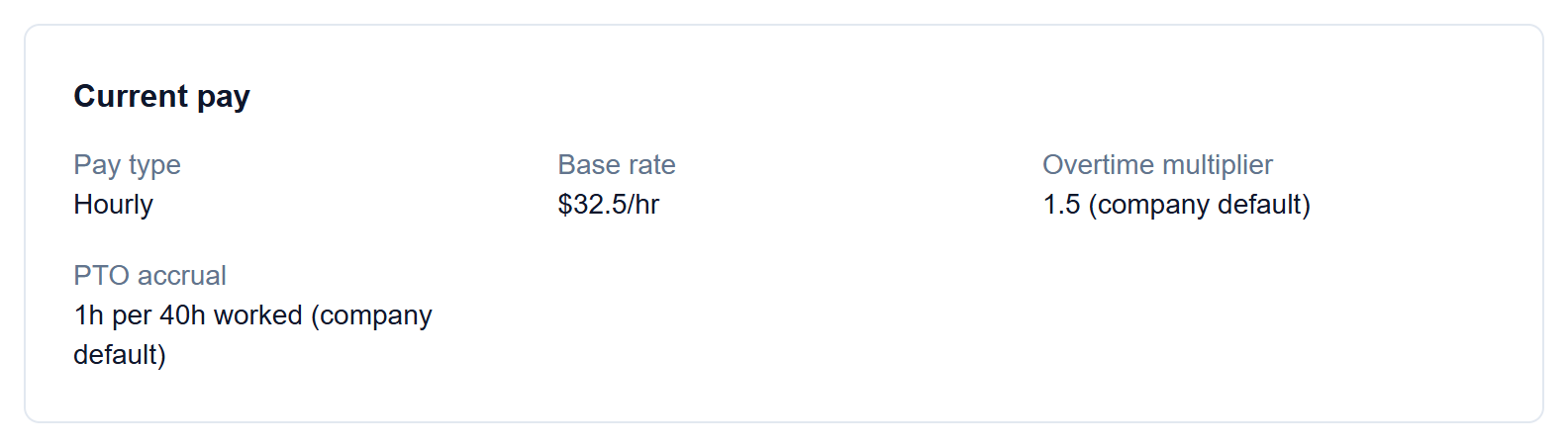
Current pay at a glance
Pay type, base rate, overtime multiplier and PTO accrual, showing which ones come from the company default.
- 2
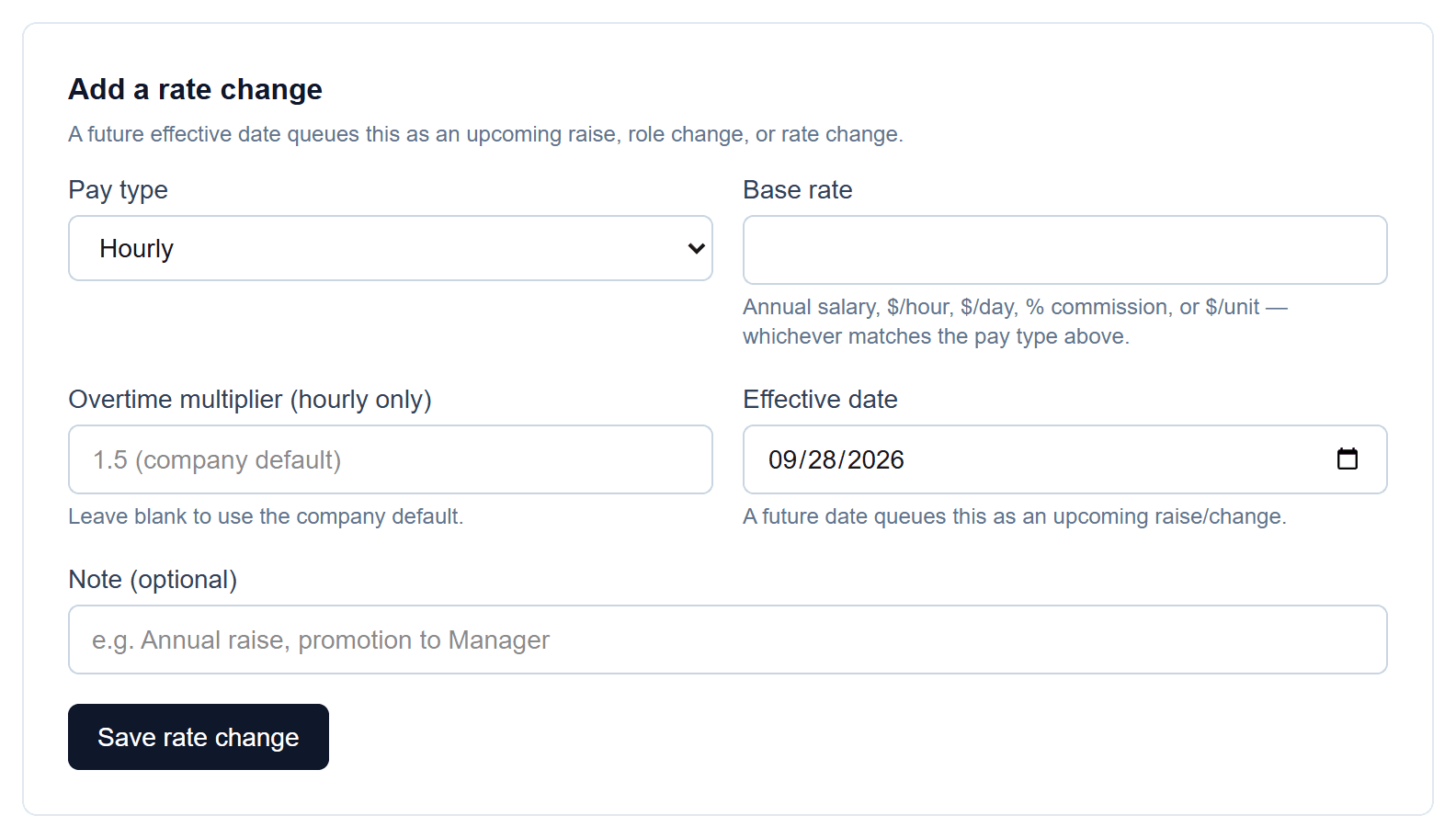
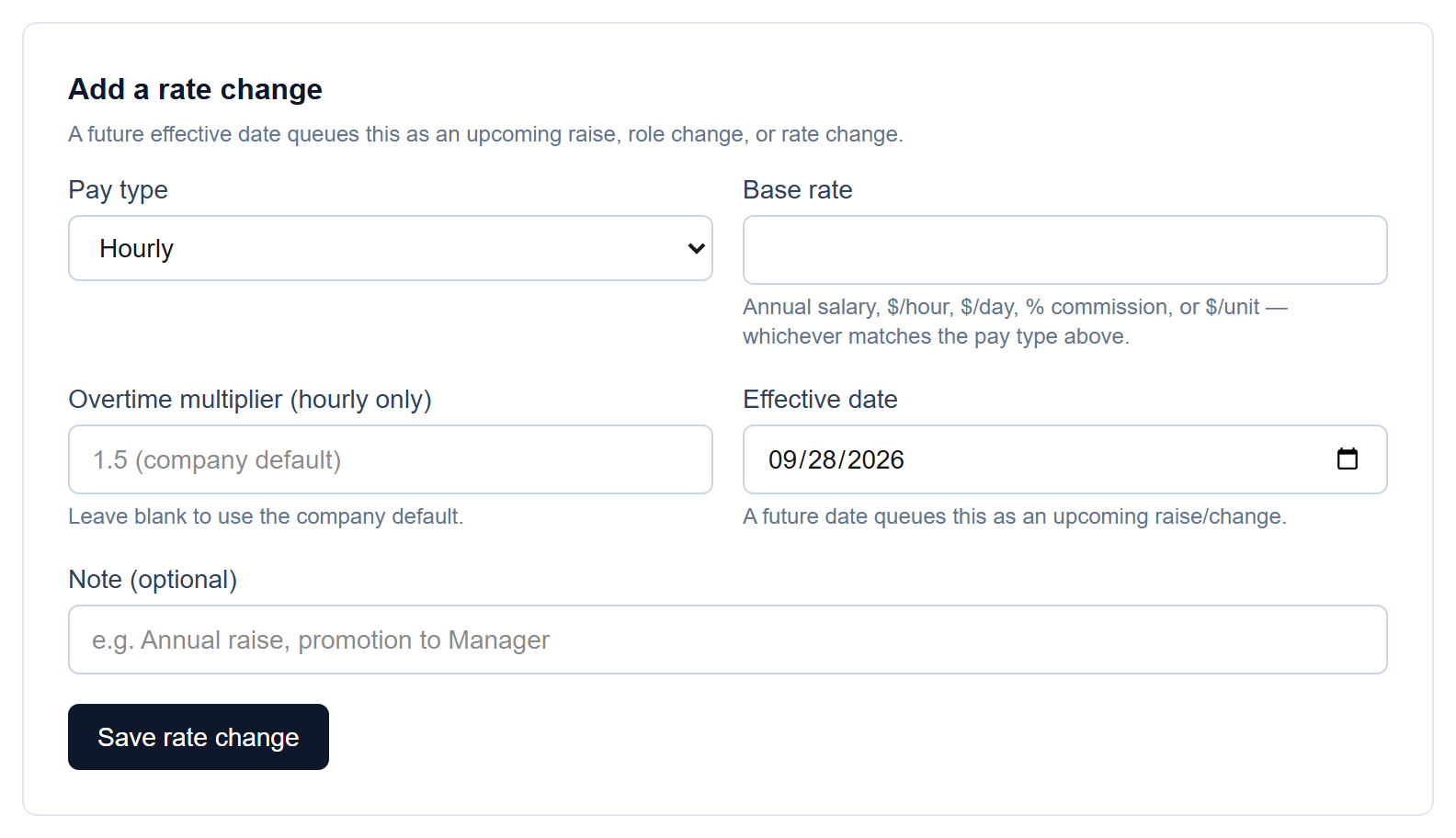
Add a rate change
Set the new pay type and rate, an effective date and an optional note like “Annual raise”. A future date queues it as an upcoming change.
- 3
Full rate history
Every rate the employee has had, and when it took effect.


Screenshots show a demo company with sample data.
Run payroll yourself, for less
Free for up to ten employees; Pro is $20/month with no per-employee fees.