Bulk employee import (CSV)
FreeAdd your whole team from one spreadsheet — download the template, fill it in, and preview everything before a single record is created.
Where to find itSettings → Import
How it works
- 1
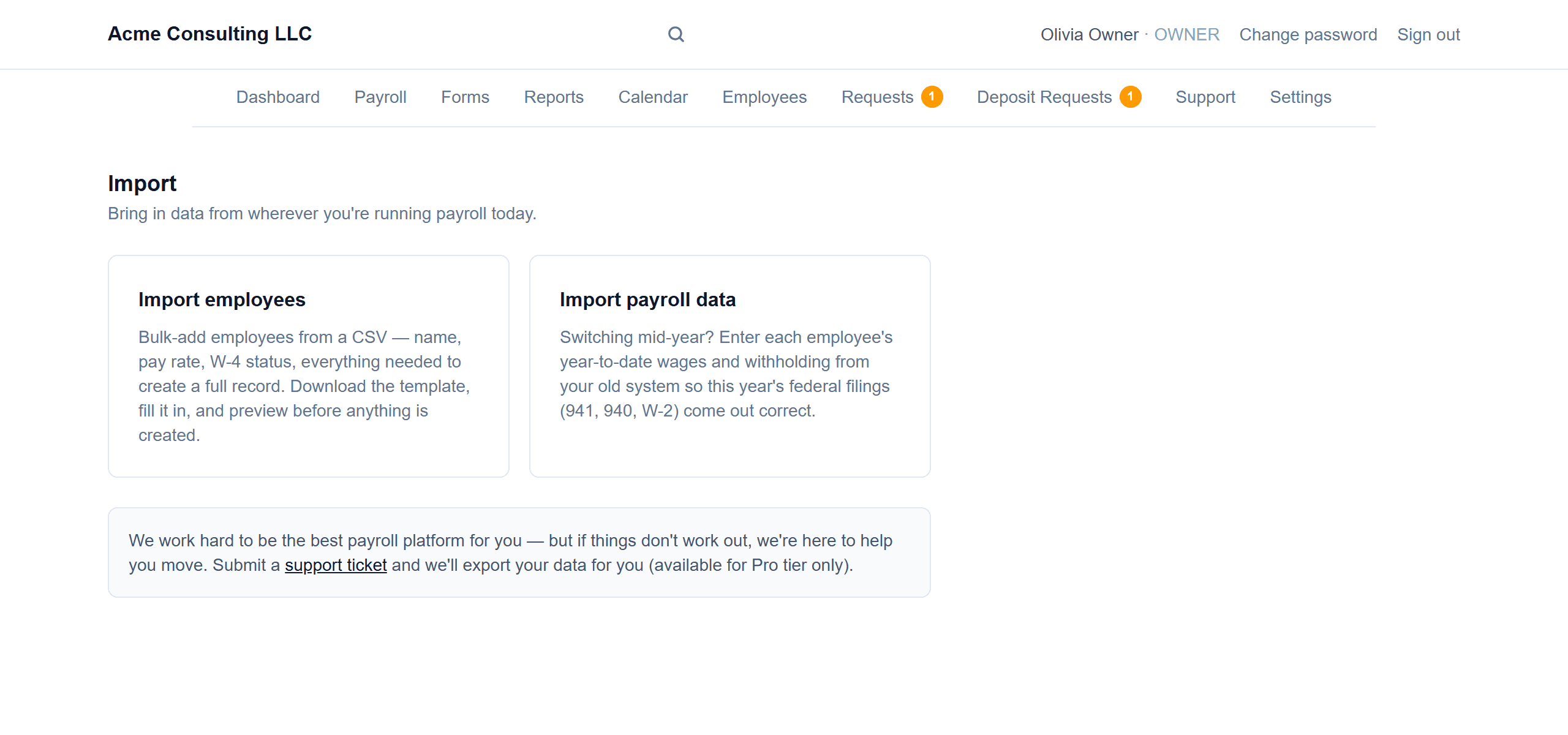
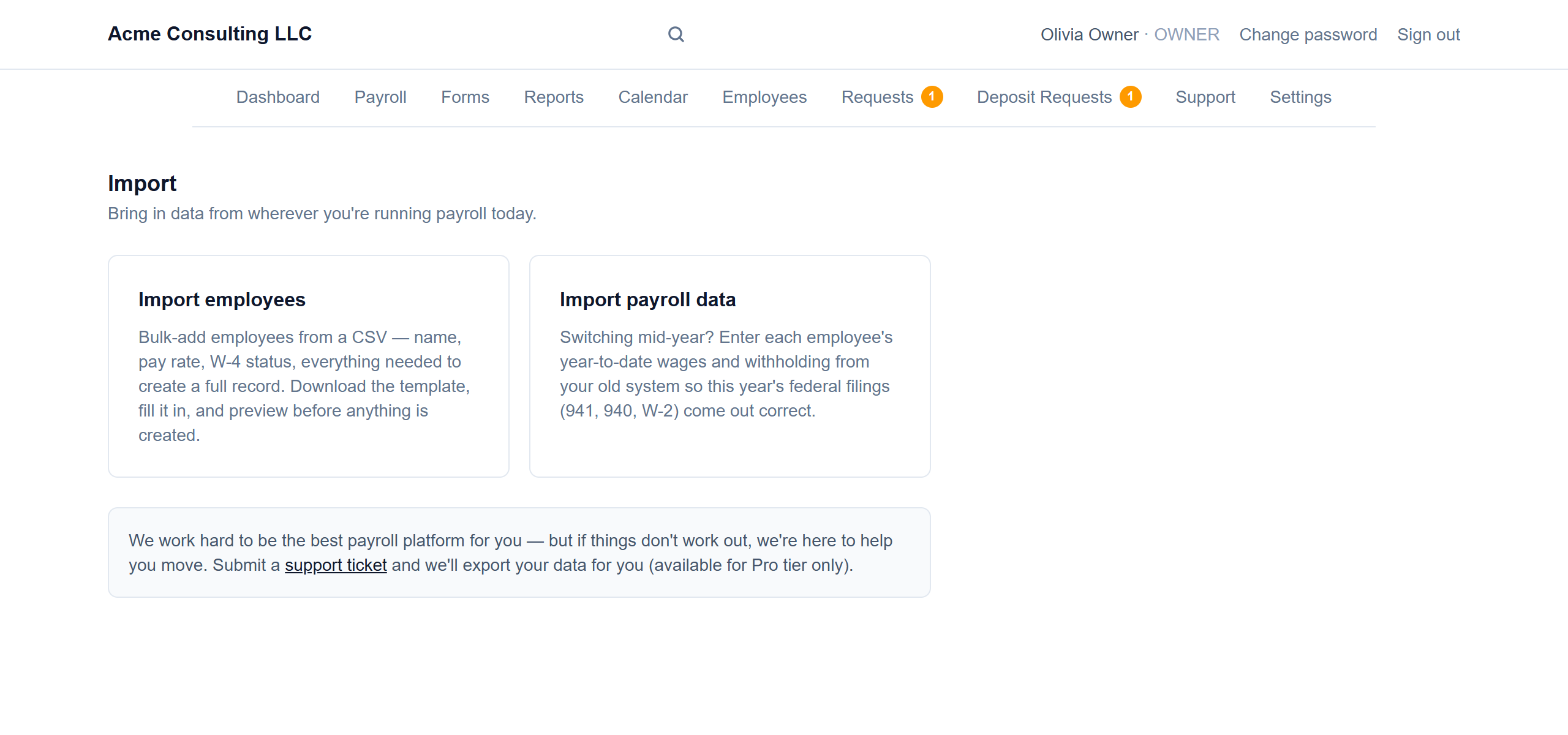
Pick what to import
Employees, or prior-payroll year-to-date wages.
- 2
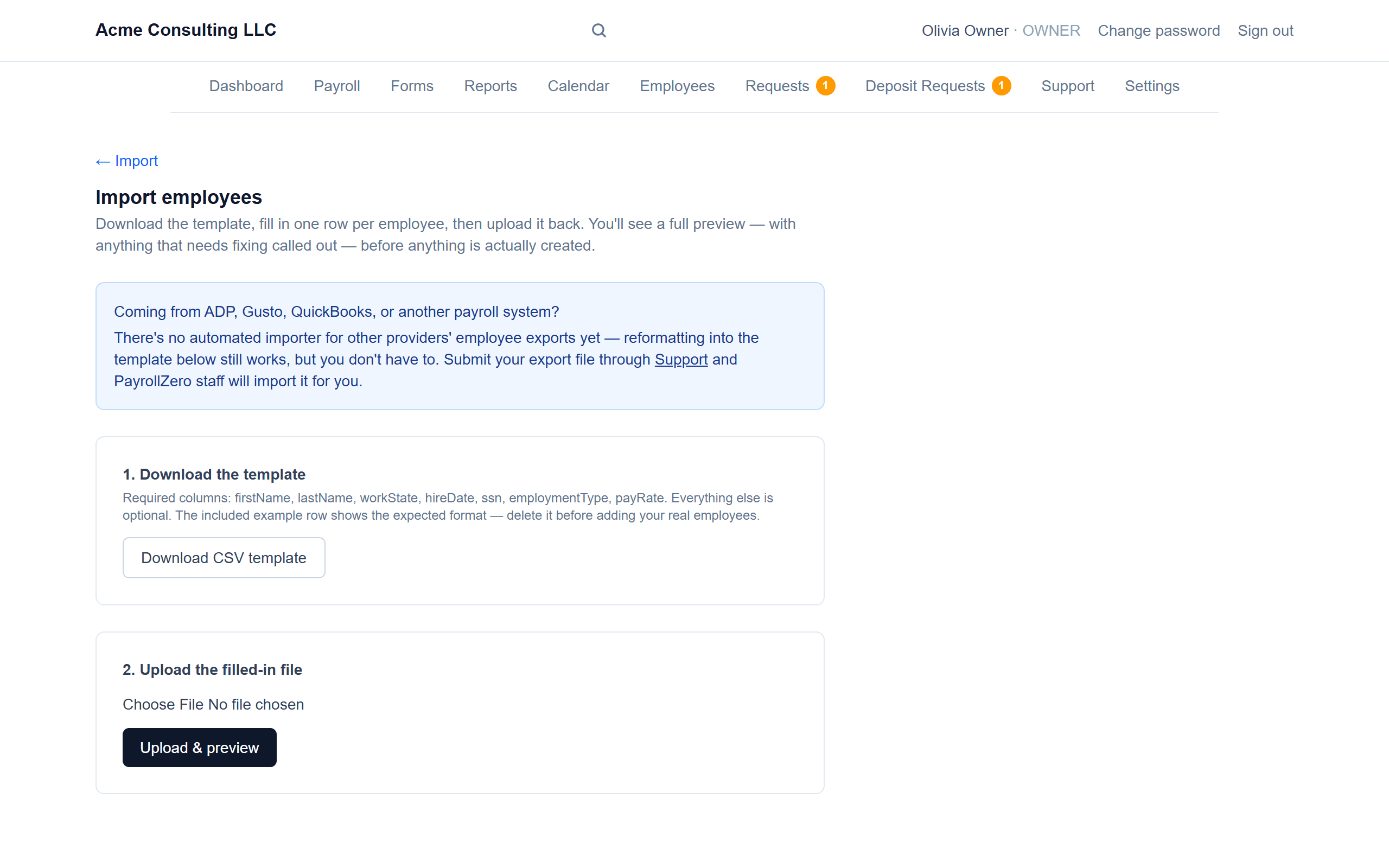
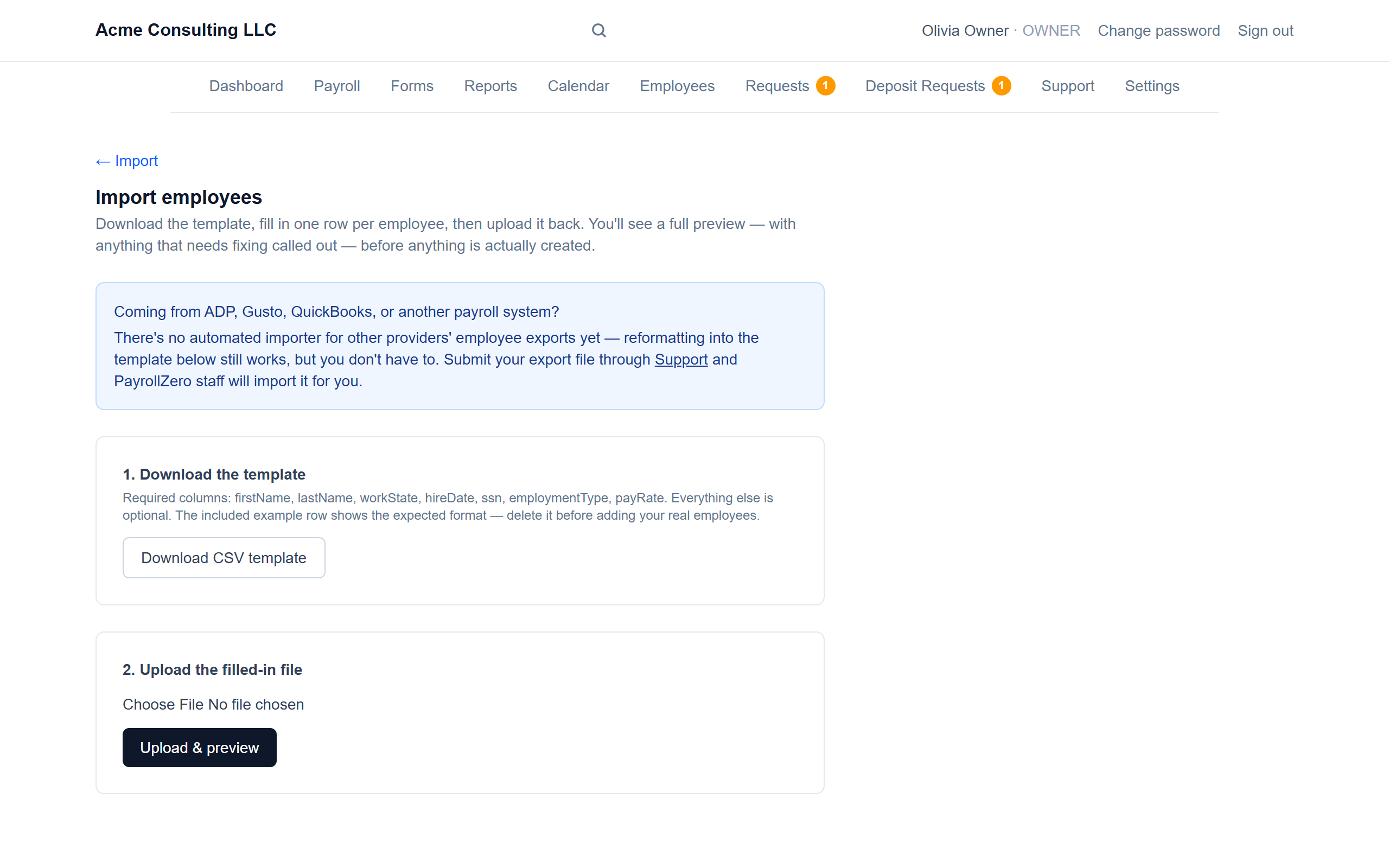
Download, fill in, upload
One row per employee. You'll see a full preview, with anything that needs fixing called out, before anything is created.
Good to know
- Coming from ADP, Gusto or QuickBooks? Send your export through Support and PayrollZero staff will import it for you.
Screenshots show a demo company with sample data.
Run payroll yourself, for less
Free for up to ten employees; Pro is $20/month with no per-employee fees.