Every pay frequency
FreeWeekly, biweekly, semi-monthly, or monthly — set once for the company, or generate a recurring pay-period schedule to pick dates from a dropdown.
Where to find itSettings → Basic information, and Settings → Pay periods
How it works
- 1
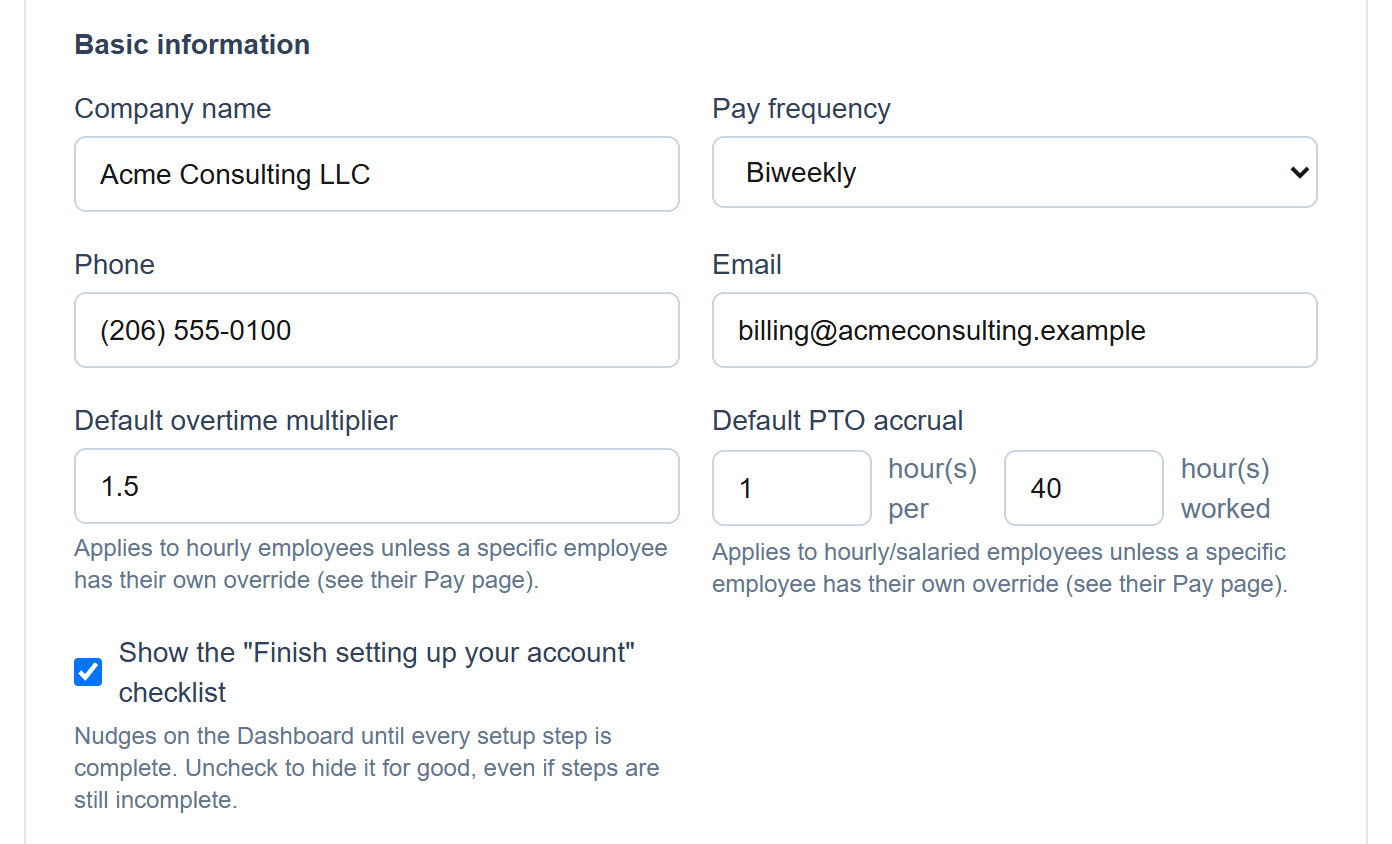
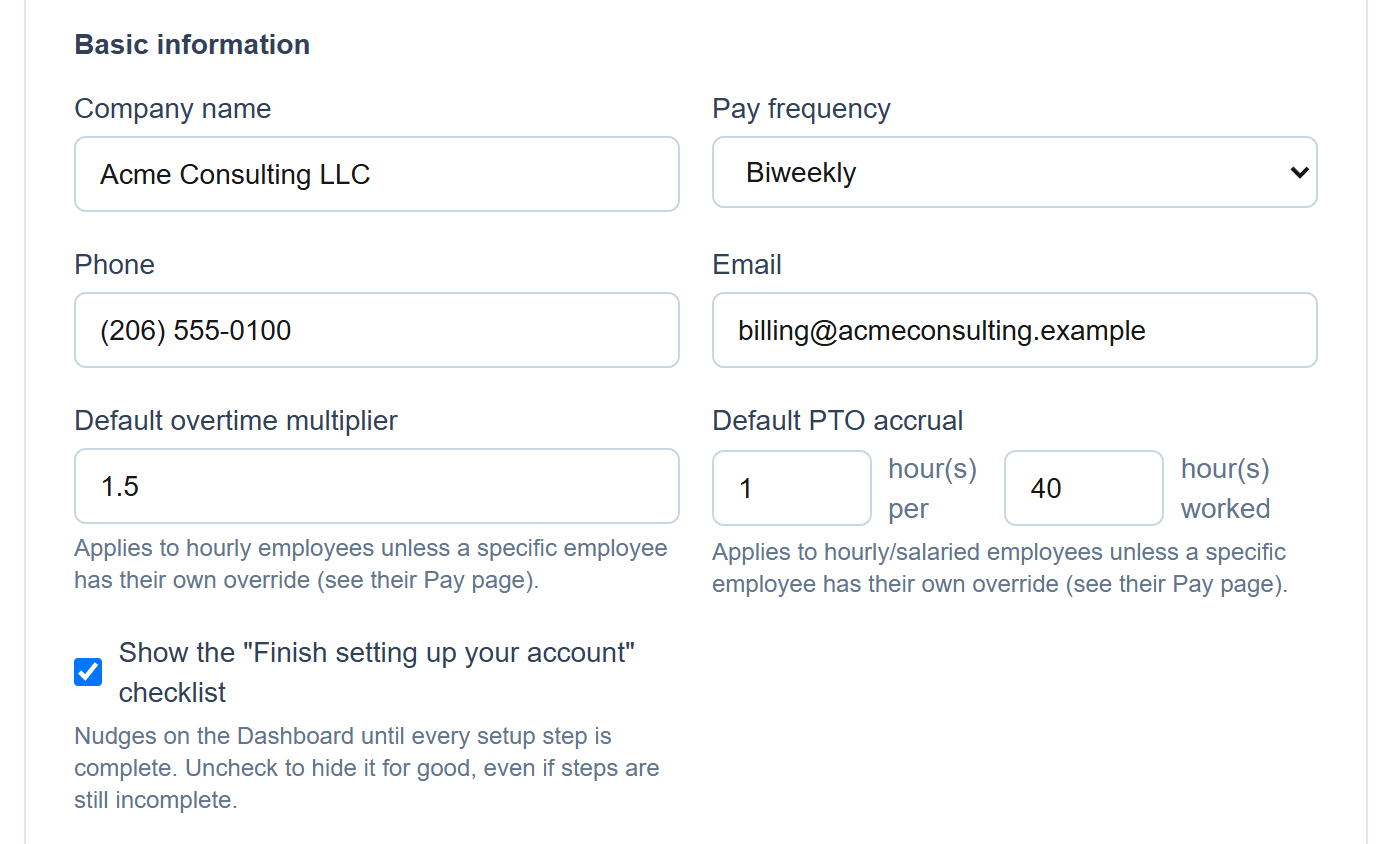
Set the company's pay frequency
Choose weekly, biweekly, semi-monthly or monthly once, in Company settings.
- 2
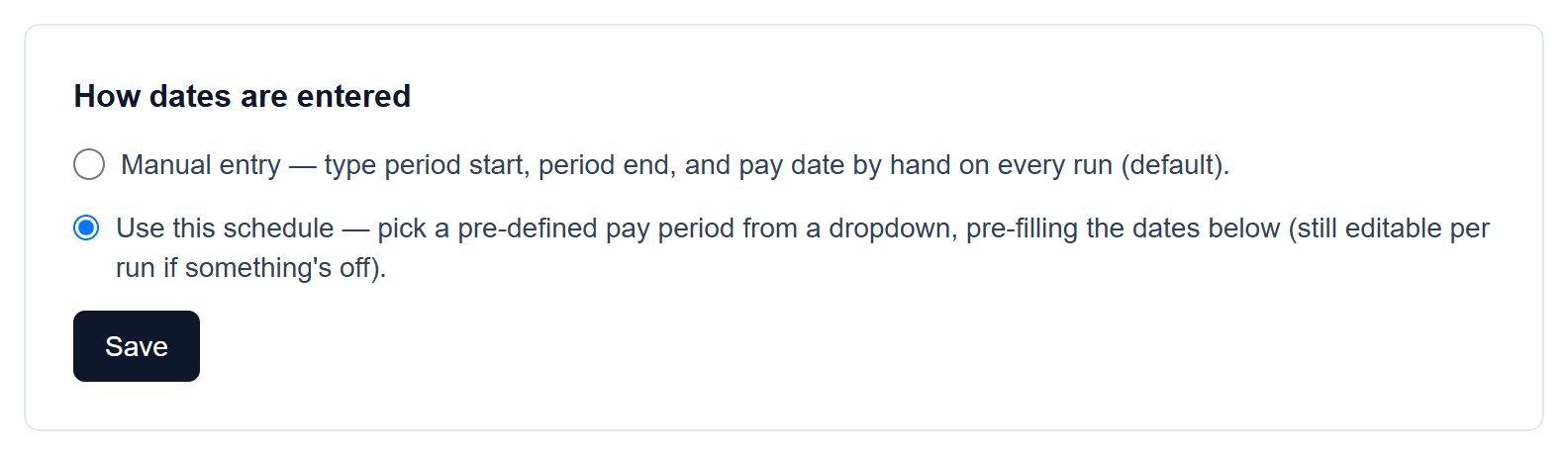
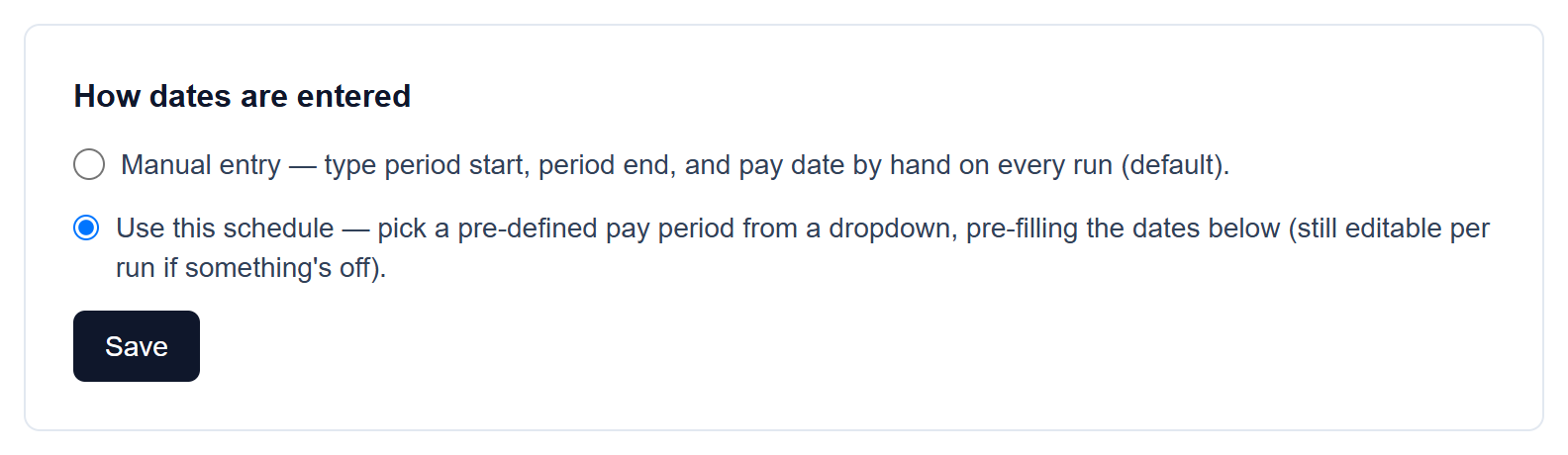
Choose how run dates are entered
Keep manual entry, or switch to “Use this schedule” so every payroll run offers pre-defined periods from a dropdown — still editable per run if something's off.
- 3
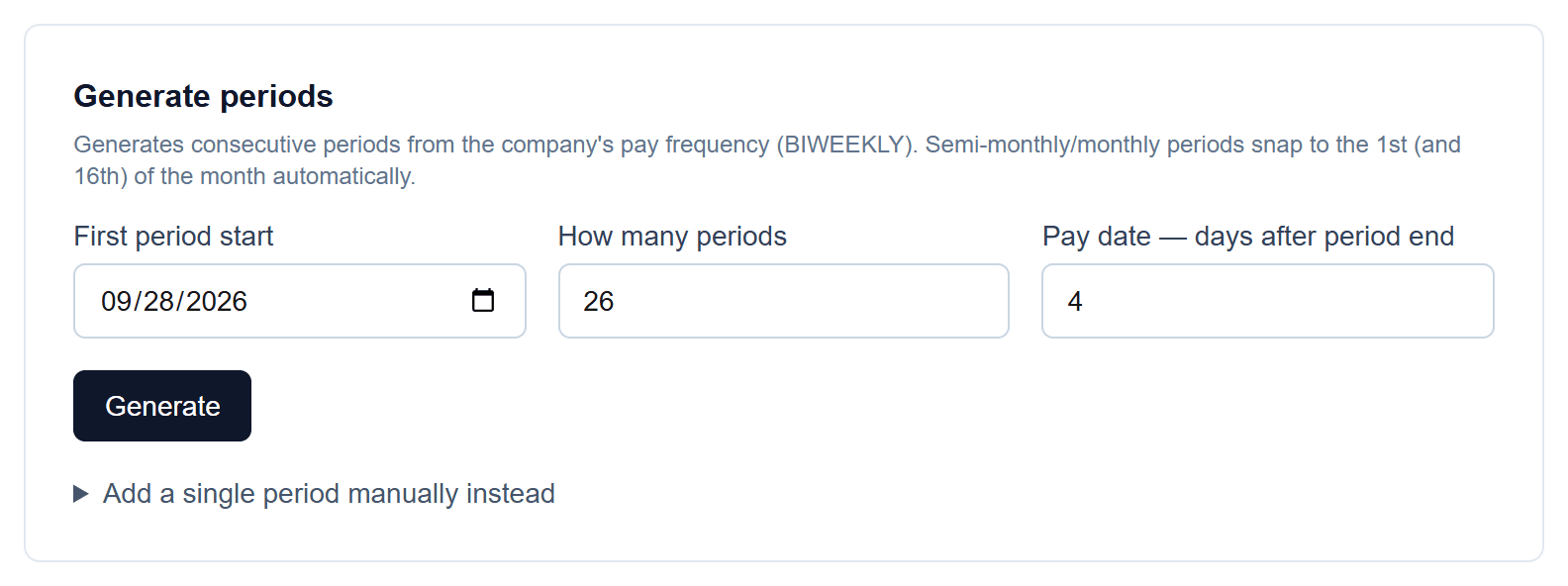
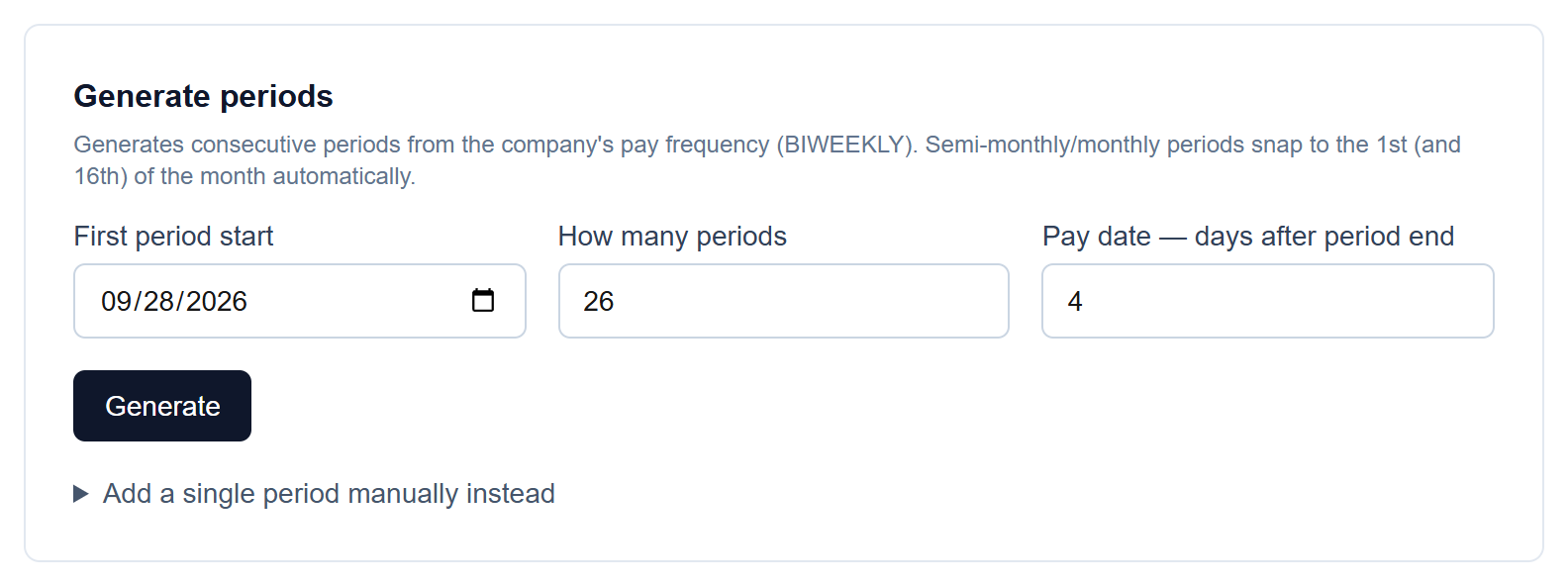
Generate the schedule
Pick the first period start, how many periods to create, and how many days after the period ends you pay. Semi-monthly and monthly periods snap to the 1st (and 16th) automatically.
- 4
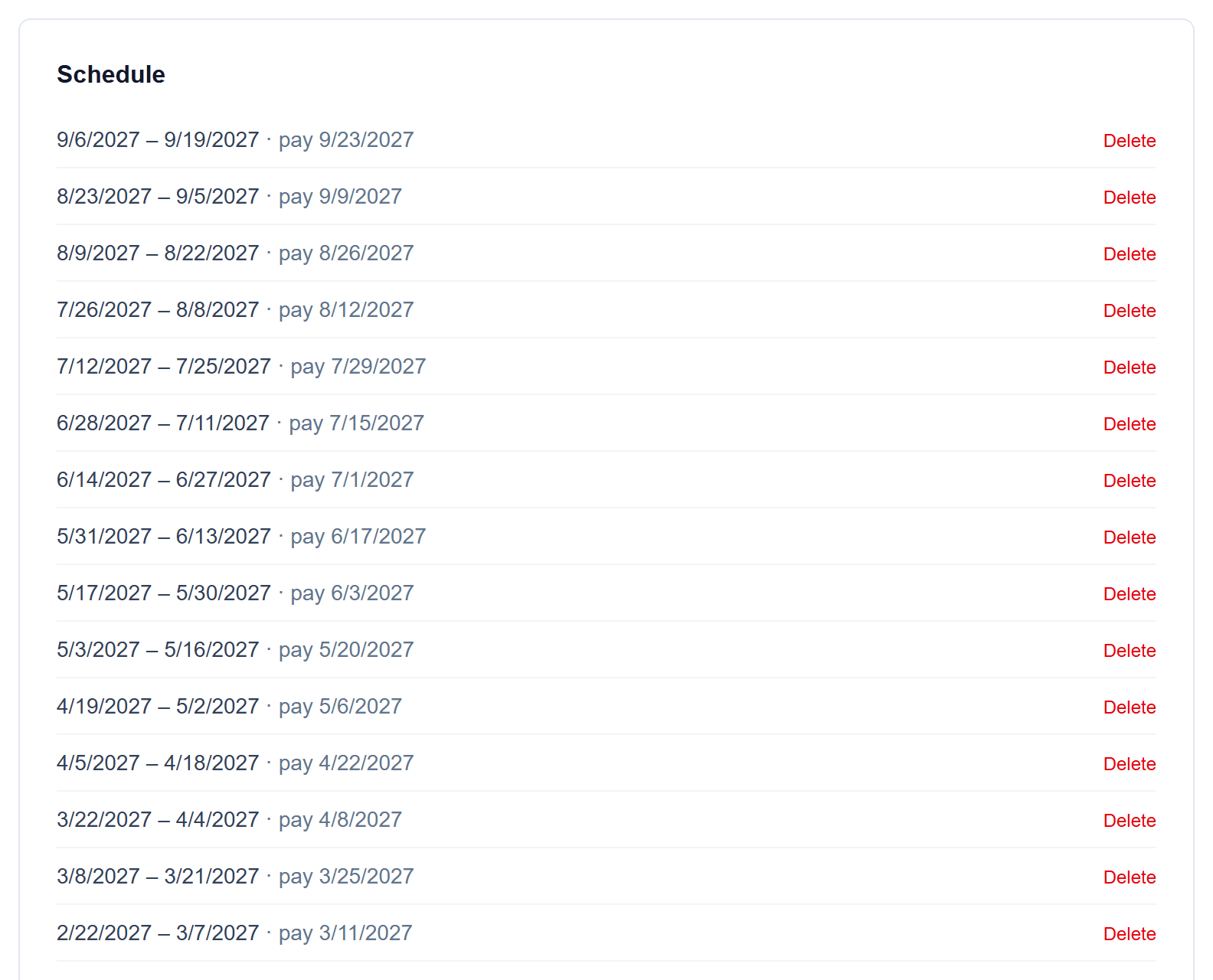
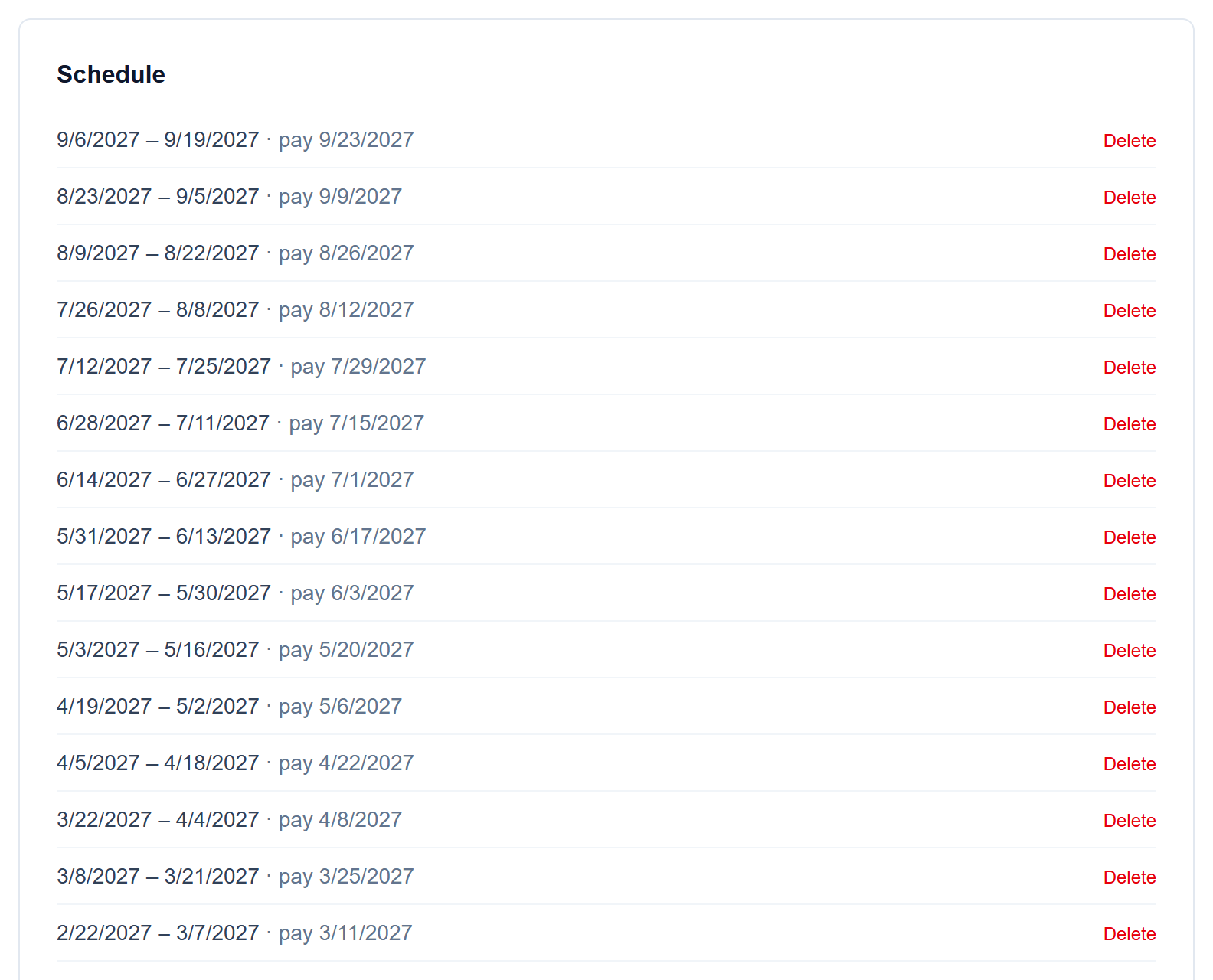
Every upcoming period, listed
The schedule shows each period and its pay date. Delete any one that doesn't fit, or add a single period by hand.
- 5
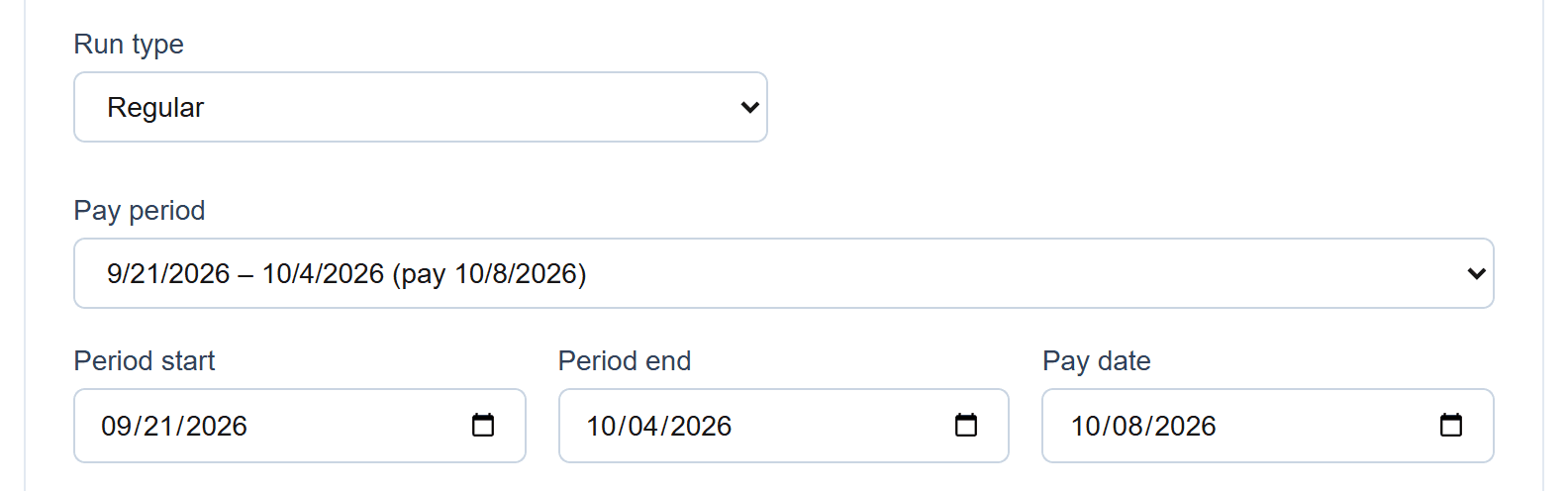
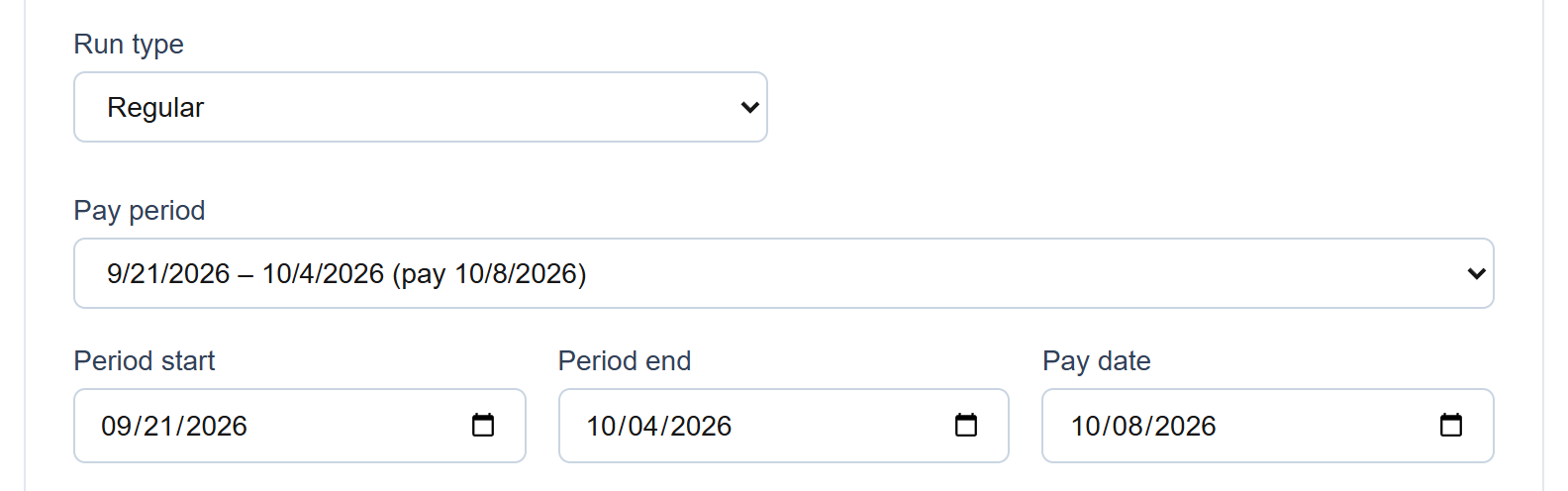
Dates fill themselves in
When you start a run, pick the period and the start, end and pay dates are filled in for you.
Screenshots show a demo company with sample data.
Run payroll yourself, for less
Free for up to ten employees; Pro is $20/month with no per-employee fees.