Unlimited payroll runs
FreeRegular, off-cycle/bonus, and correction runs — run as often as your business needs, with no per-run fee.
Where to find itPayroll → Start a payroll run
How it works
- 1
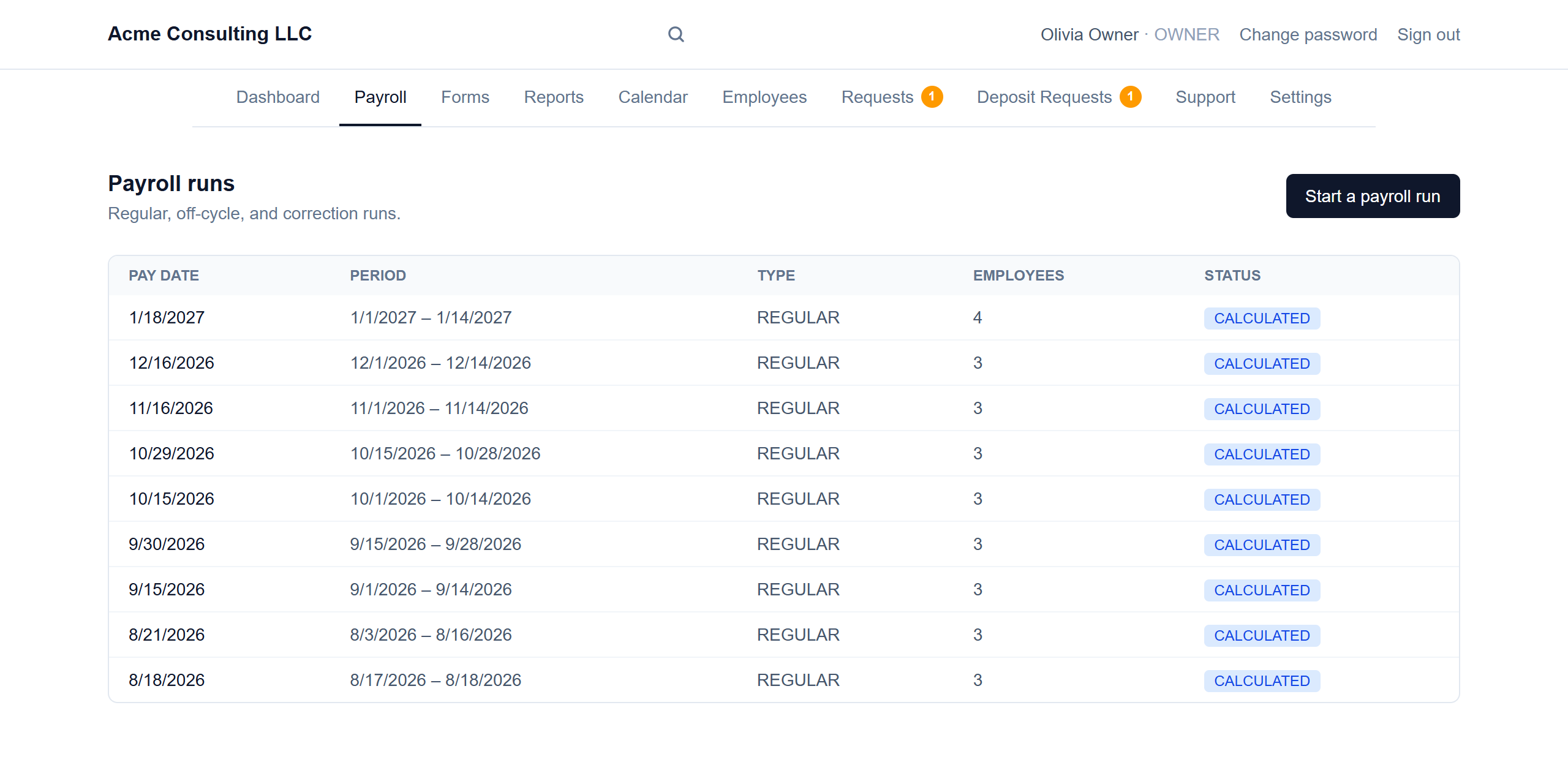
Start a run from the Payroll tab
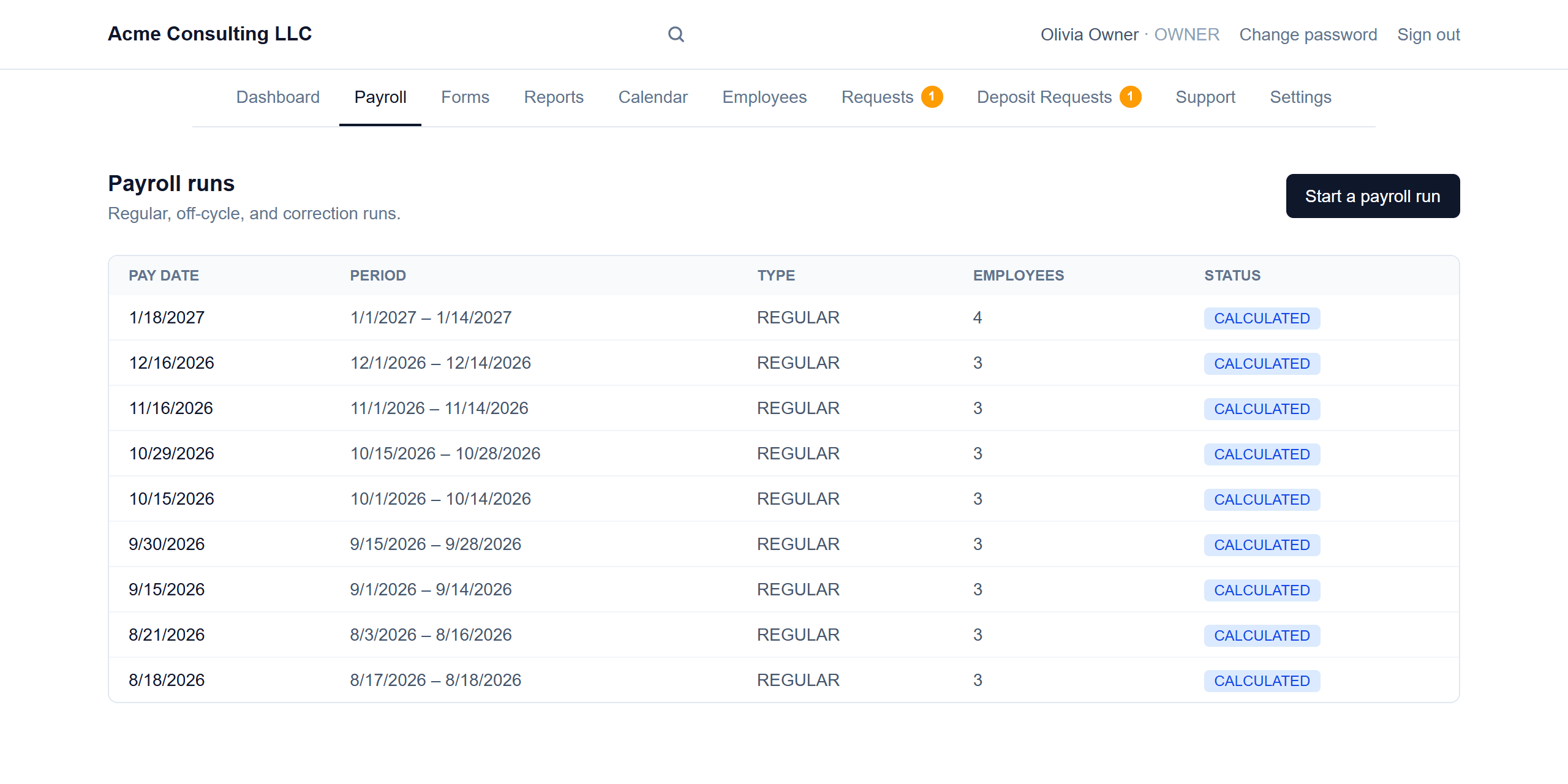
Every run you've done is listed with its pay date, period, run type, headcount and status. Click “Start a payroll run” whenever you need one — there's no per-run fee and no monthly cap.
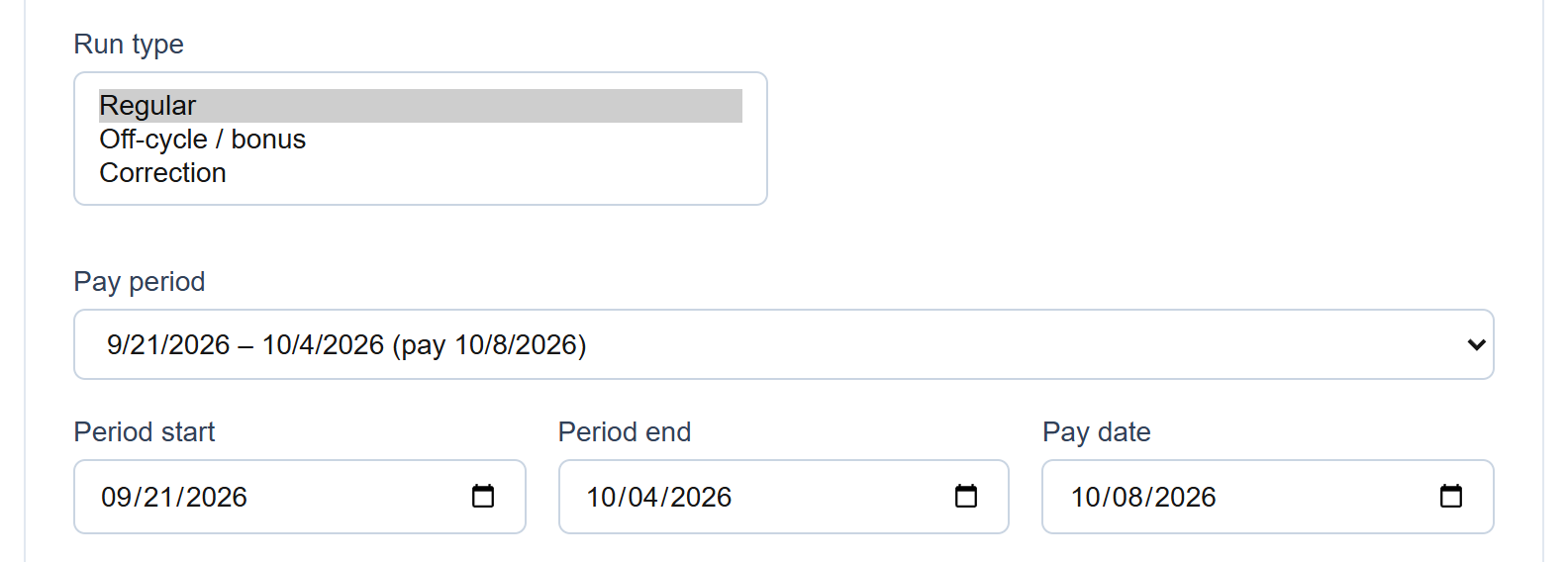
- 2
Pick the run type and dates
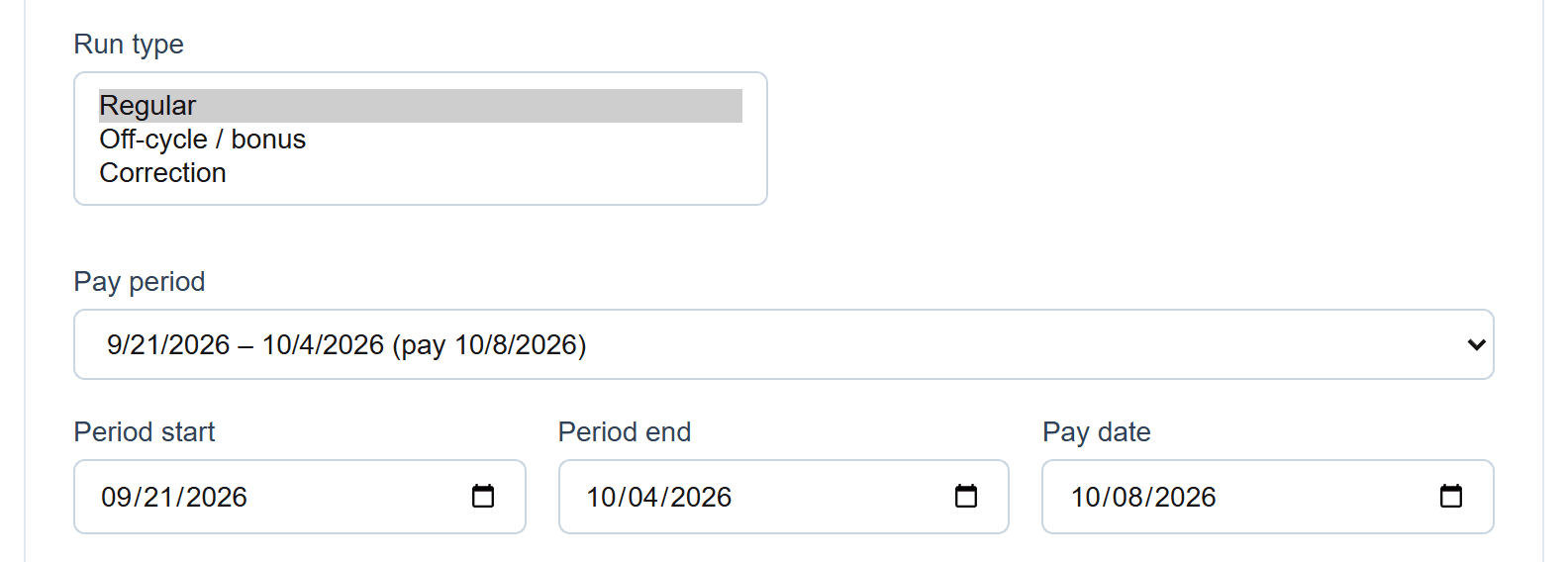
Regular for your normal cycle, Off-cycle / bonus for one-off payments, and Correction to fix a run that's already posted. Pick a pay period from your schedule (or type the dates) and the pay date.
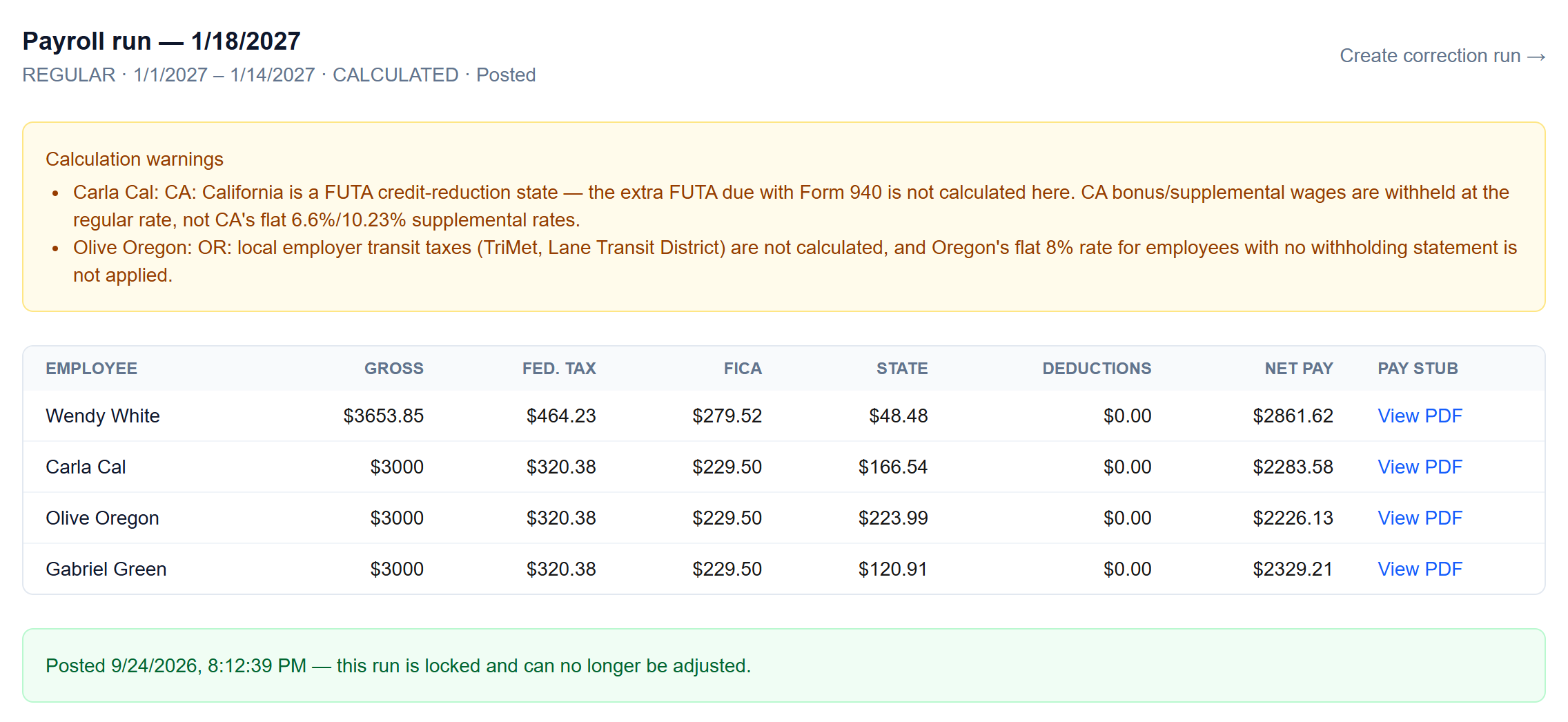
- 3
Calculate, review, post
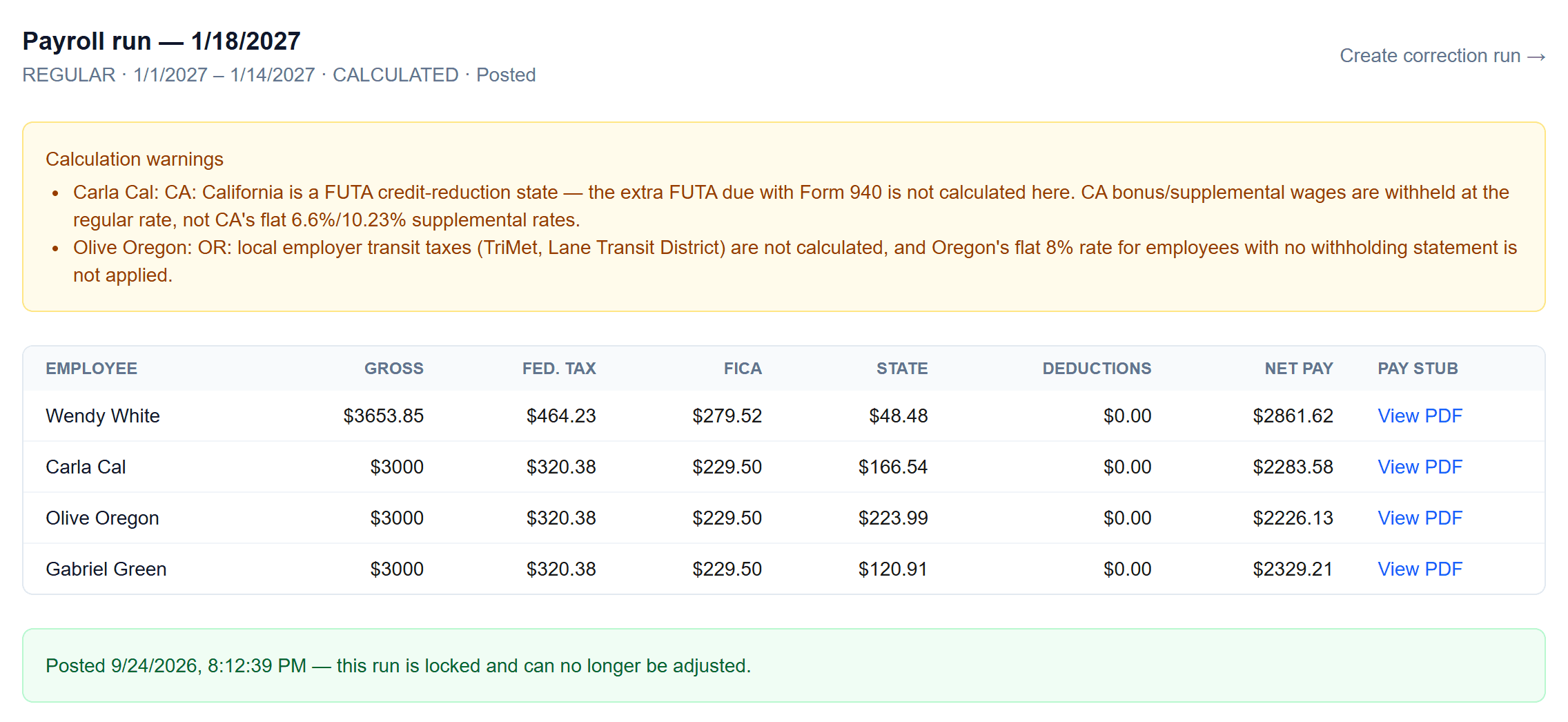
The run shows every employee's gross pay, federal tax, FICA, state tax, deductions and net pay, plus any calculation warnings worth a second look. Posting locks the run; “Create correction run” is how you adjust it afterwards.
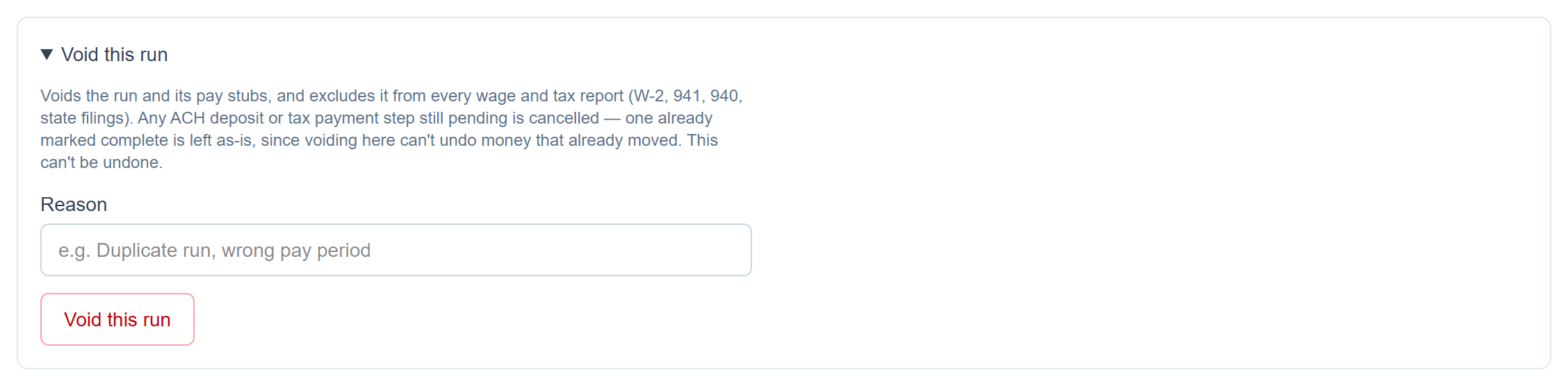
- 4
Void a run when something went wrong
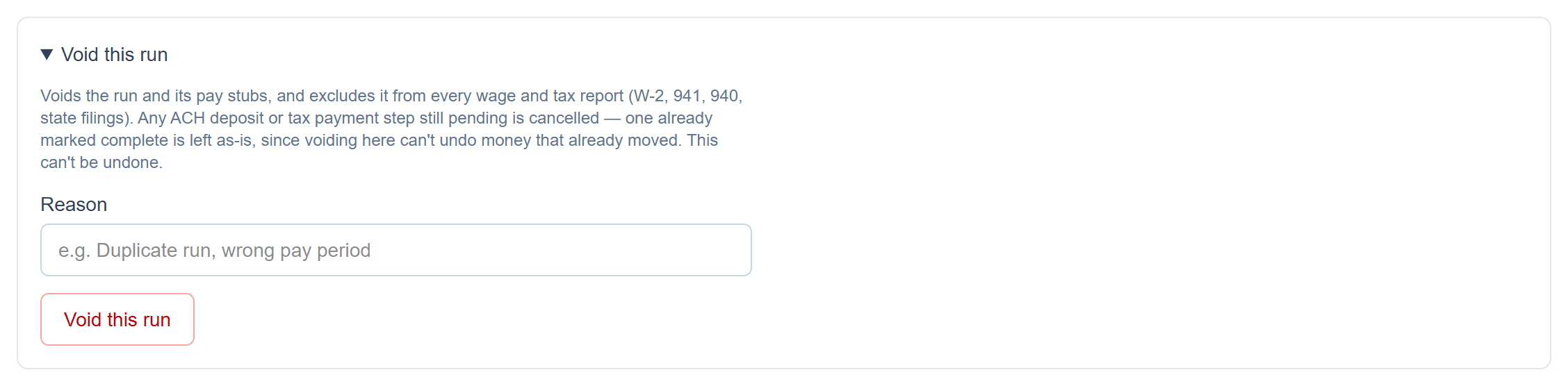
A posted run can be voided with a reason. It drops out of every wage and tax report (W-2, 941, 940, state filings), and any payment step still pending is cancelled.
Screenshots show a demo company with sample data.
Run payroll yourself, for less
Free for up to ten employees; Pro is $20/month with no per-employee fees.